Single planner
The Couple's Money Planner
A clear view of your shared money, with a fair way to split costs.
$12.99
One-time purchase. No subscription.
- 13 tabs, blank and demo versions
- Fair Share cost split
- Savings goals and debt payoff planner
13 tabs · Excel & Google Sheets
A clear, kind way to see your money as a team. Track what comes in, what goes out and what you are building together.
$12.99
Instant download · Excel & Google Sheets · No subscription
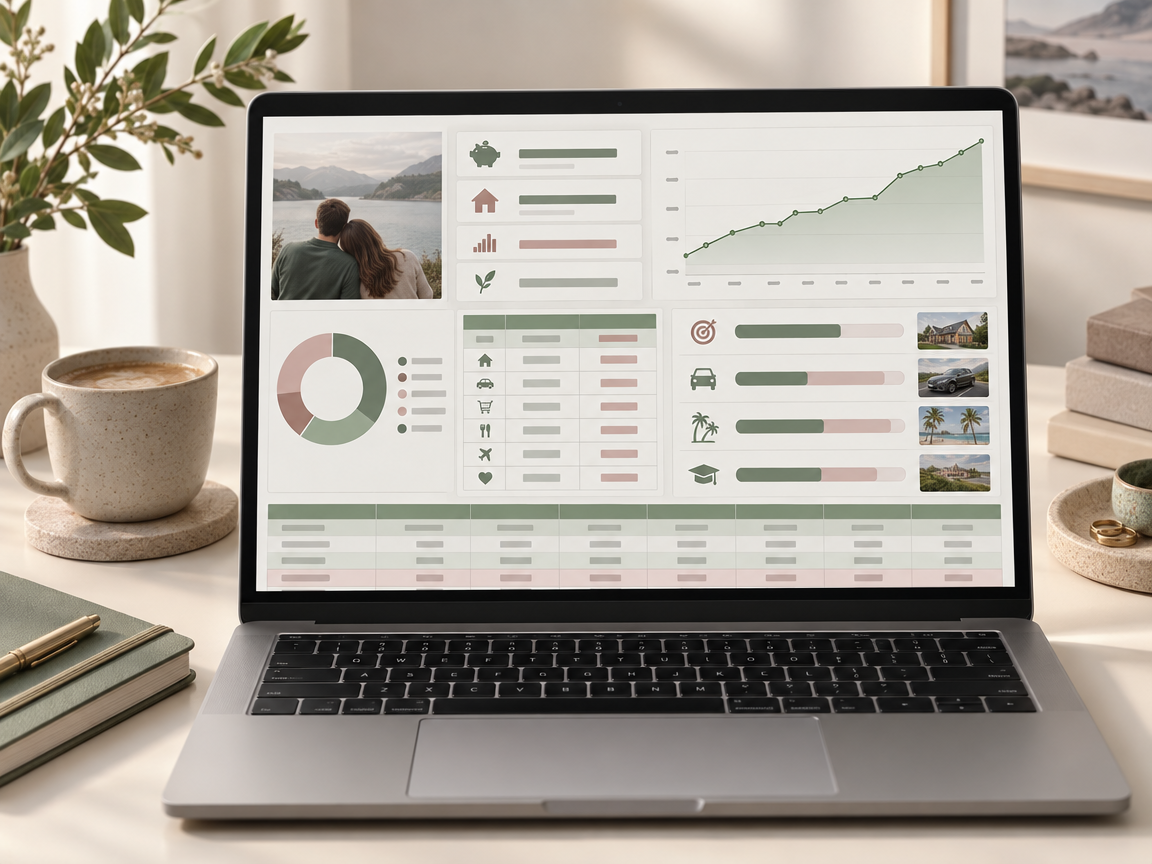
What's inside
13 tabs, grouped by what they help you do.
Net worth, income, savings rate and debt.
Plan each month and log spending.
A clean look at any single month.
Split shared costs 50/50 or by income. It shows who owes whom.
All recurring payments in one list.
Progress bars toward each goal.
Avalanche or snowball, your choice.
Assets and debts, tracked over time.
Keep your investments alongside everything else.
Included
Who it's for
Get yours
One-time purchase. Instant download.
Single planner
A clear view of your shared money, with a fair way to split costs.
One-time purchase. No subscription.
Works in Microsoft Excel (Windows, Mac, online) and Google Sheets. No macros. Personal use.
Questions
No. The planners also work in Google Sheets, which is free. Open the file there and you are ready to go.
Yes. Share the file in Google Sheets, or keep one shared copy in OneDrive, Dropbox or iCloud. You both see the same numbers.
No. It is a one-time purchase. You download the files once and they are yours to keep and use for personal planning.
Yes. Rename, add or remove categories to fit your plans. The totals and charts update on their own.
More answers on the home page FAQ or send us a message.